
A travel eSIM can provide mobile data abroad without swapping a physical SIM, but the first buying question is whether your phone can use it. Check eSIM support, carrier lock status, destination coverage, and the provider’s activation rules before comparing advertised data allowances. Some plans provide data only; keeping your home number available for texts or calls can still create roaming charges. Treat setup as a small departure checklist, not a purchase you discover how to activate after landing.
An eSIM is a digital SIM profile installed on a compatible device. It does not create cellular coverage where the partner network has none, and it does not change the terms of your existing home service. A “global” product may cover a list of countries with exclusions; a regional product may have different networks and speed-management policies in each place. This guide is about compatibility, cost control, and an offline fallback, not a claim that one brand is best everywhere.
Pass the device and unlock checks before shopping
On a supported iPhone, Apple’s international travel eSIM guidance says that using another carrier requires an unlocked phone. Apple identifies a practical check under Settings, General, About: the Carrier Lock field should show “No SIM Restrictions.” Support depends on model and place of sale, so do not rely on another traveler’s experience with a phone that looks identical. If your device is locked or lacks eSIM support, consider your existing carrier’s roaming options or a compatible physical SIM instead.
Google’s Pixel eSIM overview explains that profiles can be managed in phone settings and describes restrictions that depend on model and carrier. Google also publishes a Pixel setup procedure through Settings, Network & internet, SIMs, and Add SIM on supported devices. Android menus differ between models, regions, and software releases; use instructions for your exact manufacturer and operating system rather than treating Pixel steps as universal Android steps.
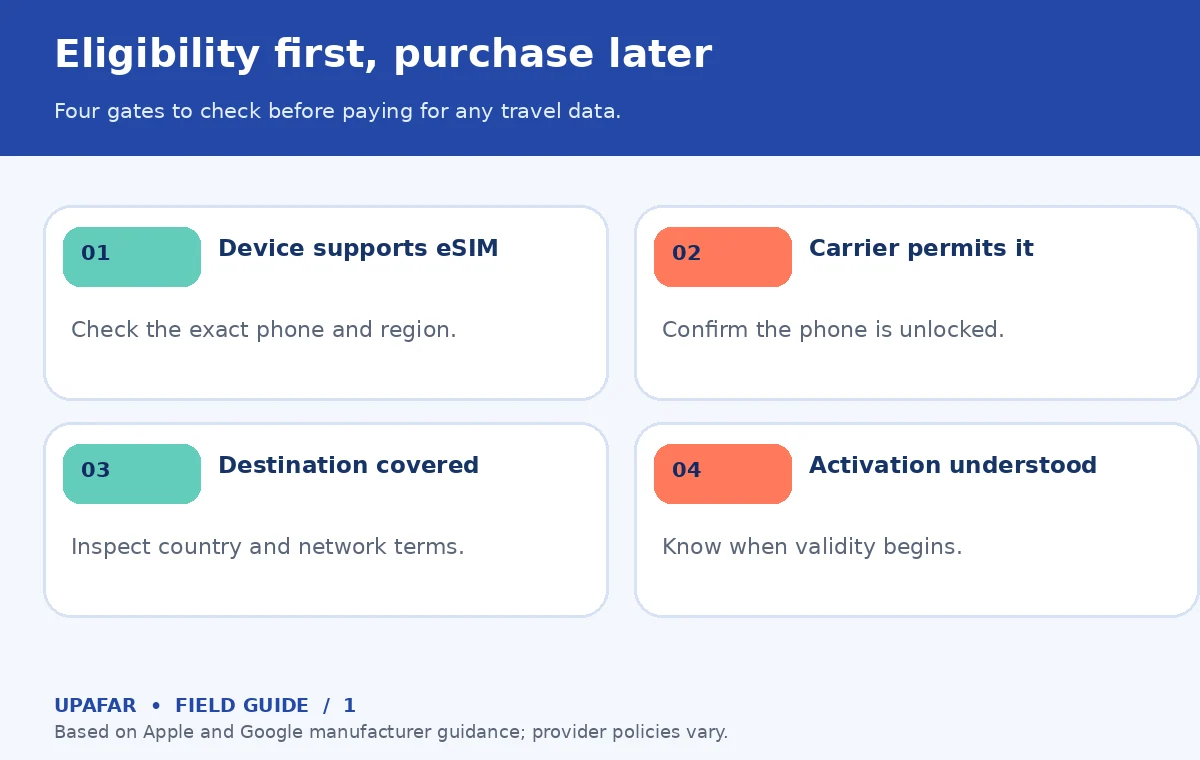
Before buying, confirm four separate things in writing: the phone is eSIM-capable; it is eligible for a third-party carrier; the plan explicitly includes your destination; and the seller provides installation support compatible with your device. Check whether the provider needs a QR code, app, activation code, or identity verification. Also read whether installing the profile starts the validity clock or whether validity begins at first connection to a supported local network. These rules vary by offer and may change.
Compare usable data, not marketing labels
A sensible comparison uses trip duration, destination country list, included data amount, hotspot permission, data speeds after any fair-use threshold, and top-up rules. If one plan offers an allowance that lasts fewer days than your trip, headline price alone is unhelpful. If a plan is labeled “unlimited,” inspect the fair-use or speed-reduction policy instead of assuming full-speed data without any restriction. For remote areas, identify the underlying network or networks and check current local coverage information.
Think in activities rather than invented universal gigabyte averages. Offline maps, messaging, and occasional restaurant searches may need relatively little mobile data; video streaming, large photo backups, and hotspot use can consume substantially more. You can measure your own recent consumption in your phone’s settings and decide what fraction will move to cellular abroad. Account for hotel Wi-Fi without counting on it for navigation after leaving the property. Avoid relying on a precise speed promise if it is not guaranteed by a specific contract.
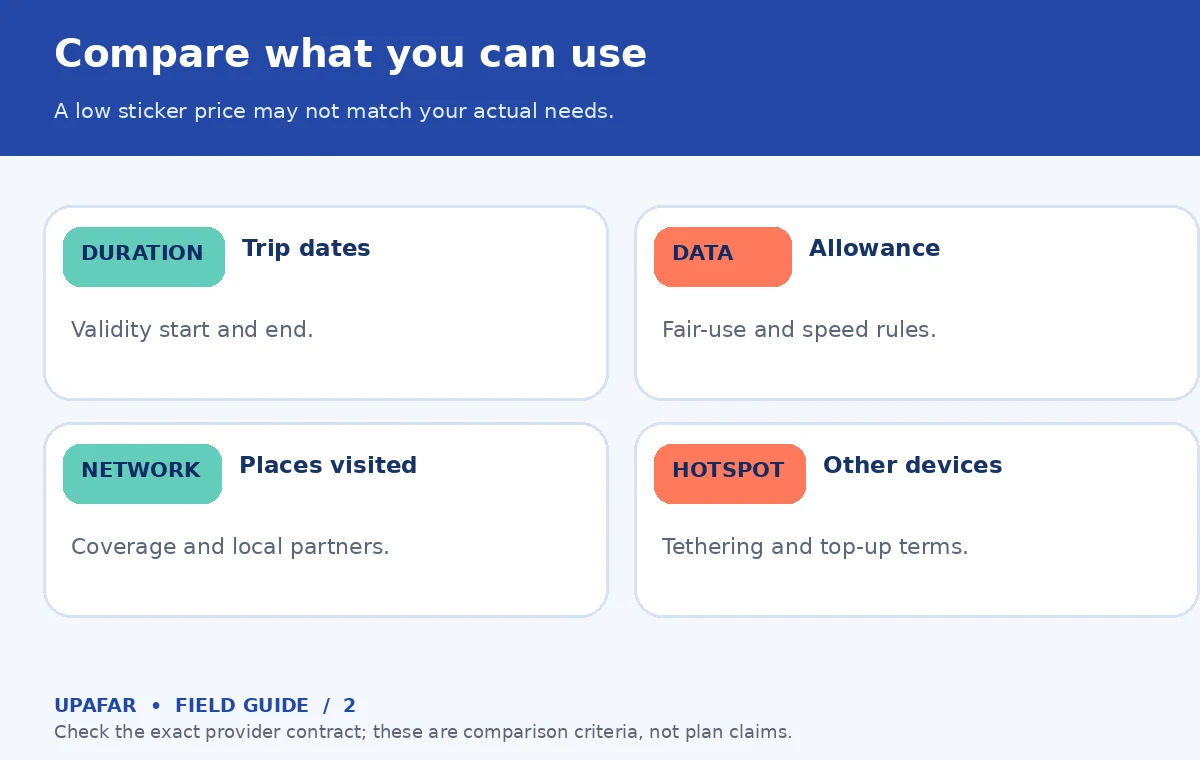
Keep roaming charges separate from the eSIM purchase price. A data-only travel profile may not replace your home phone number for calls or SMS verification. If your home line remains enabled, calls, data, or certain messaging behaviors can be billed according to your carrier’s terms. Apple’s travel guidance warns that using a travel eSIM alongside a current eSIM can still incur home-line roaming charges. Before departure, decide which line provides cellular data and review data roaming, calls, and text billing with your actual carriers.
Install while connected, activate on the right day
If your provider supports preinstallation, use a dependable home or hotel Wi-Fi connection to add the plan and preserve the QR code or instructions somewhere secure. Do not delete an eSIM profile casually: reinstalling a previously used code may require support or may not be permitted by the provider. Label your lines clearly as Home and Travel, then note the date at which the package validity is intended to begin. Do not toggle activation merely for testing if that action triggers the plan’s countdown.
At arrival, follow the seller’s precise activation instructions, select the travel line for mobile data if appropriate, and check whether data roaming must be enabled on that travel line. That requirement is not universal. Test a lightweight website while Wi-Fi is off to confirm which connection is working. If you have no data, check airplane mode, active line, APN instructions if specified, network selection, and the provider’s troubleshooting channel. Do not repeatedly purchase new plans before identifying the cause.
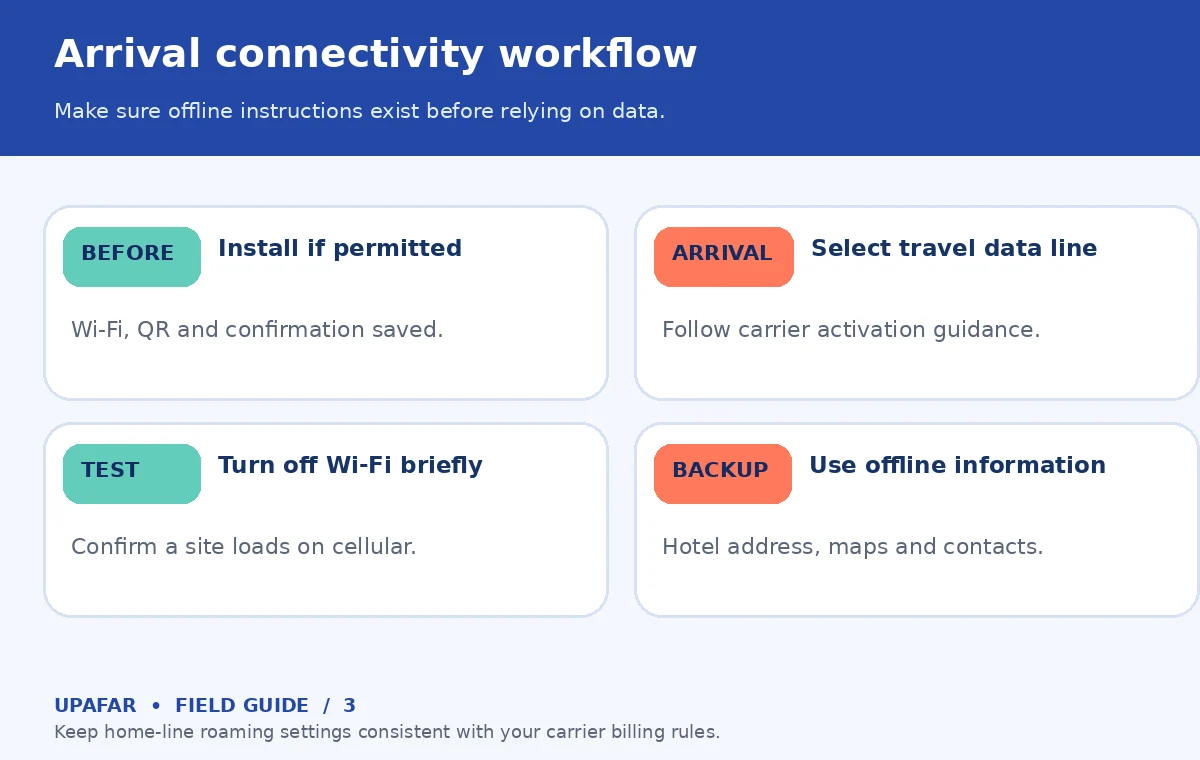
Download an offline map of your arrival area, your lodging address, and key transport instructions in advance. Save your booking confirmations locally, and record a way to contact accommodation when mobile data is unavailable. Offline map features vary by service and may not include all transit routing. Public Wi-Fi can help with activation but may be unreliable or insecure; use sensible account protections and avoid sharing sensitive codes. A working offline plan matters more than any marketing claim about instant connectivity.
Know when roaming or a local SIM is simpler
A short international trip with an inexpensive roaming benefit in your existing plan may not need an eSIM purchase. A long stay requiring a local number might favor a local carrier plan instead of a data-only travel package. If your phone is locked, do not buy a product that cannot be used on it. Travelers moving across several countries can benefit from a regional plan only after verifying every border and destination on the coverage list. A physical SIM is still a workable alternative for phones and markets where it is supported.
Price comparisons expire quickly, as do supported networks and activation policies. Before checkout, read the official offer terms, refund eligibility for unused profiles, customer support hours, and whether tethering is supported. Keep screenshots of the package conditions you purchase, especially the validity start and any fair-use limits. This is a more reliable way to protect a trip than chasing a single universally “best” plan, which does not exist for every device and traveler.
How We Research Travel eSIM Setup
We checked Apple’s international travel support and Google’s Pixel eSIM and setup guidance on October 19, 2026. We compared those manufacturer rules with current search intent for travel eSIM selection, focusing on a usable preflight sequence rather than affiliate-driven rankings. The diagrams summarize decision steps, not operator coverage or measured performance. Device menus, carrier locks, plan policies, and prices can change; verify your exact model and provider’s terms just before purchase. No service partnership is claimed here. See UpAfar’s affiliate disclosure.
Frequently Asked Travel Questions
No. The phone must support eSIM and be eligible for use with the chosen carrier; some devices are locked or have market-specific restrictions.
It depends on the provider and offer. Some plans start counting at installation or activation; others begin at first supported network connection. Read the plan terms.
Often on compatible dual-line phones, but calls, text messages and data on the home line may still incur carrier charges. Review home-line roaming controls.
Not necessarily. Check any fair-use, speed-reduction, tethering, or network-management language for the exact package.
Keep an offline address and maps, test the correct cellular data line, follow the seller’s troubleshooting steps and use trusted Wi-Fi to contact support.